


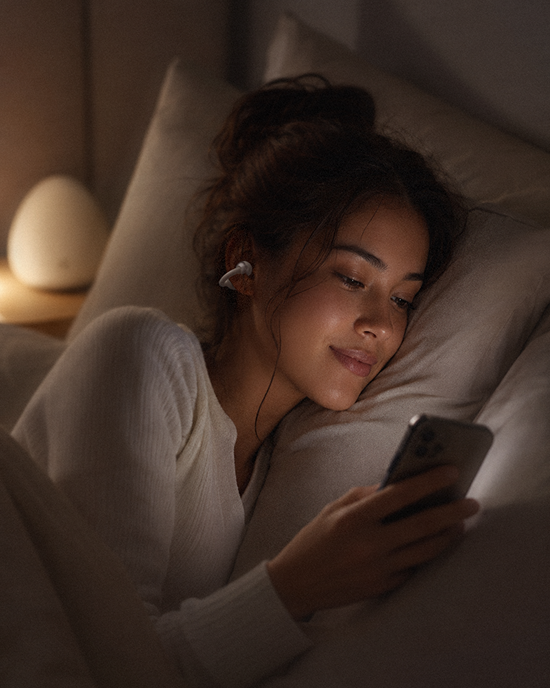
Set up soundscapes at bedtime around a clear ending, not a promise of sleep. Choose a speaker only if others sharing the space agree, or use earbuds for an awake listening interval and remove them before sleep. Check the playback destination, turn off unwanted continuation, and test any supported stop timer. Quiet is also a complete option.
By S&O Labs Editorial Team. Prepared October 3, 2026.
1. Decide whether the room needs audio
Start with the room, not a playlist search. NHLBI's Healthy Sleep Habits guidance recommends quiet time before bed and a bedroom that is quiet, cool, and dark. That is not a recommendation to add continuous sound. If a recording feels like another thing to manage, leave it off.
Agree on the sound, level, and stopping point with anyone sharing the room. Permission to play rain tonight is not permission to leave it running every night. If someone prefers silence, choose quiet together or listen elsewhere while awake rather than negotiating by increasing the volume.
2. Choose a speaker or earbuds for the awake interval
A speaker is an option when shared sound is welcome and you do not want anything on your ears. Put it on a stable surface, follow its placement instructions, and check the level from where you will sit. Earbuds are an option for personal listening before bed, not a recommendation for overnight wear. Remove them before sleep; do not use a timer as a substitute for removing them.
Start playback low. NIDCD explains that hearing risk depends on sound intensity and exposure duration; a gentle rain label does not establish a safe output level. Stop for discomfort rather than trying to outlast it. For broader exposure habits, see our safe-listening guide.
3. Confirm where playback goes and what comes next
Before settling down, use the player's output selector, if available, to confirm the intended device. Play a brief sample and listen for where it actually comes from. Check any connected or grouped speakers rather than assuming the bedroom device is the only destination. Lower the level before changing outputs, then check it again.
- Check repeat, autoplay, and the queue. Turn off continuation you do not want, where the player provides those controls.
- Preview the end of the recording as well as its opening. Listen for another track starting, an announcement, or an abrupt loop.
- Lock the screen during a rehearsal. If playback or the stopping behavior changes, resolve that before relying on the setup.
These are checks to perform, not claims that every player has the same settings. For choosing the recording itself, use our soundscape preview checklist. Here, the job is to keep an already chosen recording from turning into unintended playback.
4. Test a stop timer, not just a countdown
Use a sleep timer only if your player actually offers a stop-playback function, or your operating system documents one for your setup. A countdown that rings is not the same as a control that stops media. We do not establish a sleep-timer feature for the SoLabs App here.
For one documented example, Apple's iPhone timer guide describes choosing When Timer Ends, then Stop Playing, and starting the timer. This is an iPhone example, not a universal Android or app instruction. Check the current instructions and labels on your own device.
- While fully awake, choose a short test interval with the same recording, player, and output device you intend to use.
- Start playback and the supported timer, then lock the screen. Wait through the endpoint and listen for silence rather than only watching the display.
- If media continues or a new item starts, stop it manually. Use a verified finite track with continuation off, or choose quiet; do not leave an unverified timer to manage the night.
After a successful rehearsal, choose your intended stopping point and re-arm the timer. A successful short check is not a guarantee against later failures. Recheck after changing the player, output route, or relevant settings. With earbuds, finish the listening interval and remove them while still awake.
5. Check alarms separately and leave a quiet fallback
Before bed, check your wake-up alarm using the actual phone settings and connected devices. Follow the alarm maker's instructions and run an awake test after any notification or focus-mode changes. Do not assume media volume controls alarm volume, or that a connected speaker will handle the alarm. Restore the intended morning alarm after testing.
An awake alarm check cannot prove that you will wake or notice an emergency while asleep. Do not disable household safety alarms or rely on an open-ear label for warning awareness. If the arrangement interferes with important sounds, stop playback. The fallback is simple: audio off, earbuds removed, no replacement playlist required.
Optional equipment, not a sleep device
You can use equipment you already own. If you are considering an open-ear, clip-on option for the awake part of your evening, explore SoClip Pebble and check its current product details. This is not an overnight-fit recommendation, a timer compatibility claim, or evidence of a sleep benefit.

Method, limitations, and related guides
This adult setup checklist combines public-health guidance with one documented timer example. It is editorial guidance, not a tested sleep intervention, a clinical review, or a report of device tests performed by our team. No optimal listening duration or sleep improvement is established here. Persistent sleep difficulties deserve qualified medical advice; a soundscape should not replace or delay care.
Sources were checked October 3, 2026. Read our Method and Sources for evidence boundaries. For the broader equipment decision, see headphones for white noise, or browse the Sound & Calm guides. The useful endpoint here is playback you can control, including choosing none.
Share:
Sound Masking vs Noise Canceling: What Each Can and Cannot Do